Field notes on private file work.
Practical posts on browser-side compression, PDF workflows, image formats, and the cryptography that makes "no upload" actually true.
WebP vs JPG vs PNG vs AVIF: Which Image Format Should You Use in 2026?
The answer depends on what you are doing with the image. Here is an honest, technical comparison of all four formats with real-world file size data and clear guidance for each use case.

Locked Out of Your Own PDF: Understanding PDF Passwords and Permissions
PDF passwords come in two types that behave completely differently. Understanding the difference explains why some 'password protected' PDFs open freely and others lock you out completely.

Bulk Image Optimization for E-Commerce: Resize, Convert, and Compress at Scale
Product images are the largest performance bottleneck on most e-commerce sites. Here is the practical workflow for optimizing dozens of product images quickly without expensive software.

SVG to PNG: When Vector Graphics Break and How to Convert Them Correctly
SVG files are perfect for web and design work — until they are not. Here is when you need PNG instead, what resolution to export at, and how to handle transparency correctly.
JPG to PDF: When to Convert Images to PDF and How to Do It Right
Converting images to PDF is not just dragging files into a converter. Page size, image quality, and order all matter. Here is how to do it correctly for every use case.

How to Split a PDF: Extract Pages, Ranges, and Specific Sections
Splitting a PDF is not just separating pages — it is a workflow skill. Here is how to extract exactly the pages you need, in the right order, without paying for software.

Image to Text: How OCR Works and Why Accuracy Varies So Much
Free OCR tools give wildly different results on the same image. Here is what determines accuracy, how Tesseract works in your browser, and how to get better results from any OCR tool.
How to Compress a PDF Without Uploading It Anywhere
Most PDF compressors send your files to remote servers. Here is how to compress PDFs entirely in your browser — no uploads, no account, and no file size limits.

How to Reduce Image File Size for Web, Email, and Social Media
Large images slow websites, bounce off email servers, and take forever to upload. Here is the practical guide to reducing image file size for every context — without visible quality loss.

The Complete Guide to PDF Security: Passwords, Watermarks, and Permissions
PDF files carry sensitive information but most people send them with zero protection. Here is how to password protect, watermark, and restrict PDF permissions — all in your browser.

TinyTransform vs iLovePDF — Which Should You Use?
iLovePDF gets 200 million monthly visitors and has been the default PDF tool for years. TinyTransform does something fundamentally different. Here is an honest comparison.
What is HEIC? Why iPhone Uses It and How to Open HEIC Files on Windows
HEIC is the default photo format on every iPhone since 2017. Here is what it actually is, why Apple chose it, and the fastest ways to open and convert HEIC files on Windows and Android.

Why You Should Never Upload Files to Online Tools
Every time you upload a photo, PDF, or document to a random online tool, you are handing a stranger your data. Here is what actually happens to your files and why it matters.
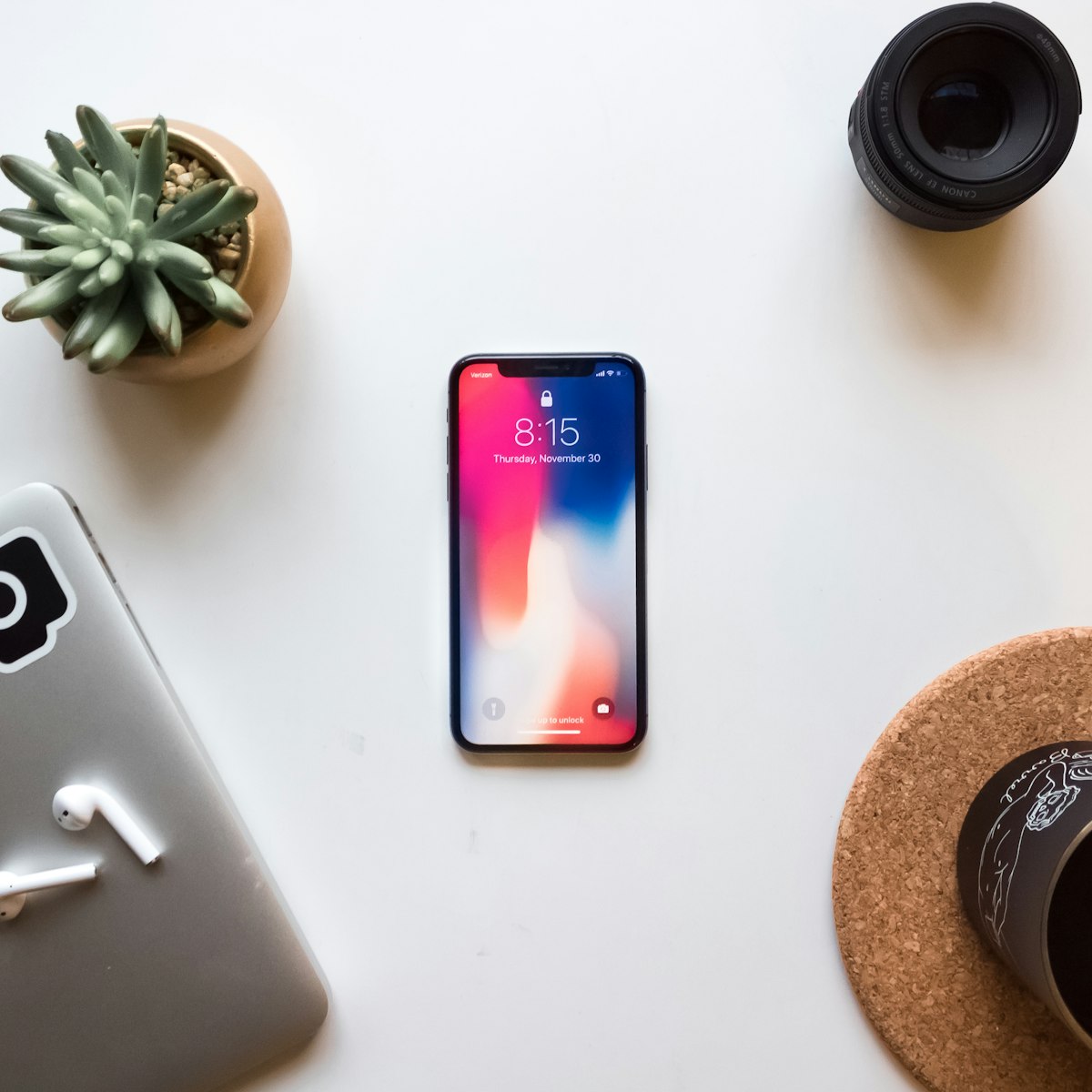
HEIC to JPG: The Complete Conversion Guide for 2026
iPhone saves every photo as HEIC by default. Here is exactly why that causes problems and how to convert HEIC to JPG instantly without uploading your photos to any server.
How to Compress Images Without Losing Quality (2026 Guide)
The difference between lossy and lossless compression, which quality settings actually matter, and how to reduce image file sizes by up to 80% without visible degradation.
How to Merge PDF Files Online — Free, Private, No Upload
Combine multiple PDF files into one document in seconds. No account, no upload, no file size limit. Everything runs in your browser using pdf-lib.

How to Remove EXIF Data from Photos Before Sharing Them
Every photo taken on a smartphone contains hidden metadata including GPS coordinates, device model, and the exact time it was taken. Here is how to strip it before sharing.

WebP Explained: Should You Convert Your Images to WebP in 2026?
WebP produces images 25–35% smaller than JPG at equivalent quality. Here is when converting makes sense, when it does not, and how browser support looks in 2026.